
Privacy Policy popup
× Privacy Policy popup
×
 17
 23 Minutes
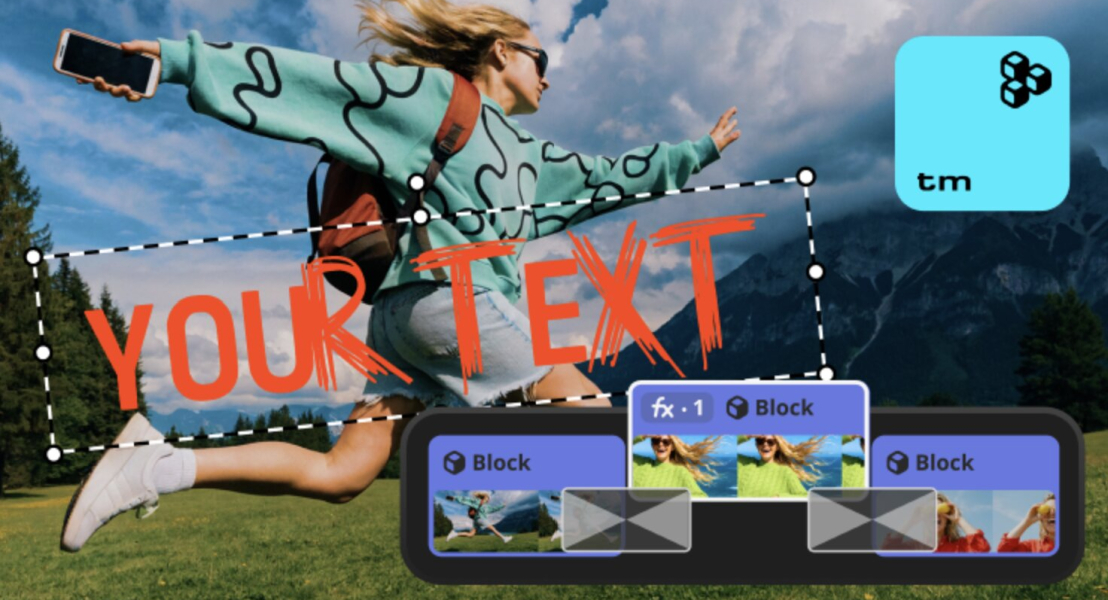
The best video editor with templates is the one that matches the job: a vlog intro, a birthday slideshow, a wedding film, or professional motion graphics. Movavi Video Editor and Wondershare Filmora suit lifestyle vloggers who want ready-made video templates, CapCut Desktop fits short vertical clips, and iMovie covers a simple family video on Apple devices. Adobe Premiere Pro and DaVinci Resolve are for people who edit for a living. If you post lifestyle vlogs, or you turn birthday and wedding photos into slideshows, the table below gets you to a shortlist in a minute.
| Program | Best for | Platforms | Free version | Starting price |
| Movavi Video Editor | Lifestyle vlogs, birthday and wedding slideshows | Windows, macOS | Movavi Video Editor Free: 60-second cap, no 4K, watermark | $19.95/month |
| Wondershare Filmora | Lifestyle vlogs on a steady posting schedule | Windows, macOS | Yes, exports are watermarked | $49.99/year (Basic) |
| CyberLink PowerDirector 365 | Fast rendering, template-driven editing, and AI-assisted workflows | Windows, macOS | PowerDirector Essential: watermarked exports, feature limits | $19.99/month |
| CapCut Desktop | Short vertical clips cut from lifestyle vlogs | Windows, macOS | Yes, 1080p; watermark with Pro content or AI clips | Pro: $19.99/month or $179.99/year |
| Adobe Premiere Pro | Creators who edit for a living and build custom title graphics | Windows, macOS | No; 7-day trial after you enter payment details | $22.99/month (annual plan, billed monthly) |
| DaVinci Resolve | Travel vlogs that need film-grade color correction | Windows, macOS, Linux | Yes, no watermark, limited functionality | Studio: one-time payment, about $300 |
| Final Cut Pro | iPhone or pro-camera footage for YouTube on a Mac | macOS | 90-day trial | $299.99, one-time |
| iMovie | A simple family birthday video | Apple devices (Mac, iPhone) | Yes, completely free | Free |
| Corel VideoStudio | Beginner to intermediate users creating presentations or straightforward ads | Windows (64-bit only) | 30-day trial available | Pro: $79.99, one-time |
| Pinnacle Studio | Pro-level editors needing total control across unlimited timeline tracks | Windows (64-bit only) | 15-day free trial | Standard: $59.99; Ultimate: $129.99, one-time |
A video template is a ready-made project: you add your own clips and photos, and the structure, pacing, and text styles are already in place. These seven criteria sit behind the list:
Every pick is a downloadable video editor for PC or Mac that features built-in templates. Unlike browser-based tools that store your projects online, these desktop programs allow you to manage template files locally. They also utilize non-linear editing, meaning you can adjust your cuts freely without permanently altering your original source footage.
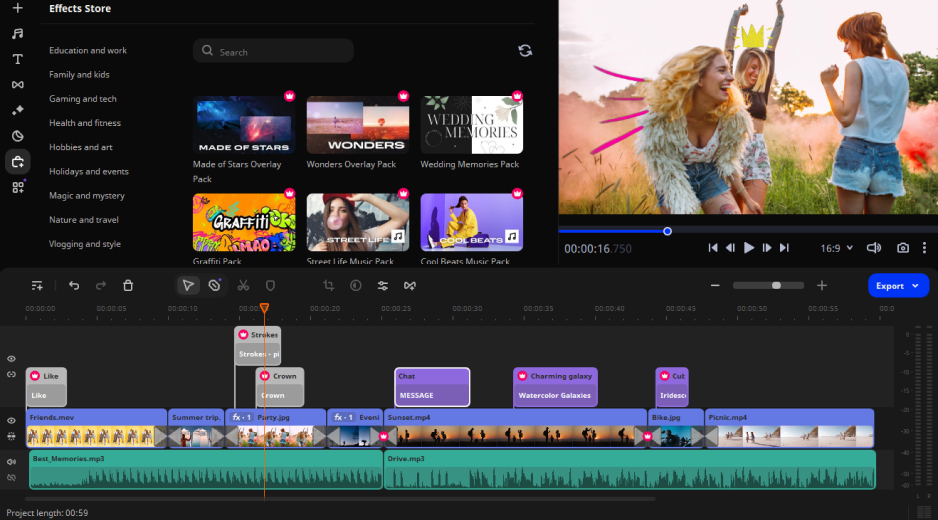
Best for: lifestyle vlogs, plus birthday and wedding slideshows for family and friends.
Why we picked it: Movavi Video Editor is an intuitive video editor with customizable video templates, one-click AI tools, and hundreds of drag-and-drop effects. It is a desktop app for Windows and macOS, and hover previews show a clip, effect, or transition before you apply it, so a new vlogger sees each result before committing to it. Movavi Video Templates is a multi-style library of customizable, pro-looking, modular templates for any kind of video.
Key features:
Pros:
Cons:
Price and platforms: Movavi Video Editor Free exports up to 60 seconds with a watermark; the full version starts at $19.95/month. A desktop app for Windows and macOS.
Build a vlog intro on a template
Picture a new travel vlog channel that needs an intro. A template hands you a first draft with its editing, music, transitions, and text already in place, so the first version already looks finished. Start from the Intro video template. For a photo slideshow, the Slideshow video template follows the same four steps, with photos going into the Blocks.
Click Add Files, select the clips and photos you want to use.
Open the Templates tab. Choose a template that fits your video. Drop the template onto the timeline.
Double-click a Block on the timeline. Replace the placeholder with your own clip or photo. Reorder, add, or delete Blocks on the timeline. Double-click the Block whose text you want to change. Retype the Block text.
Click Export, choose the export format, click Start.
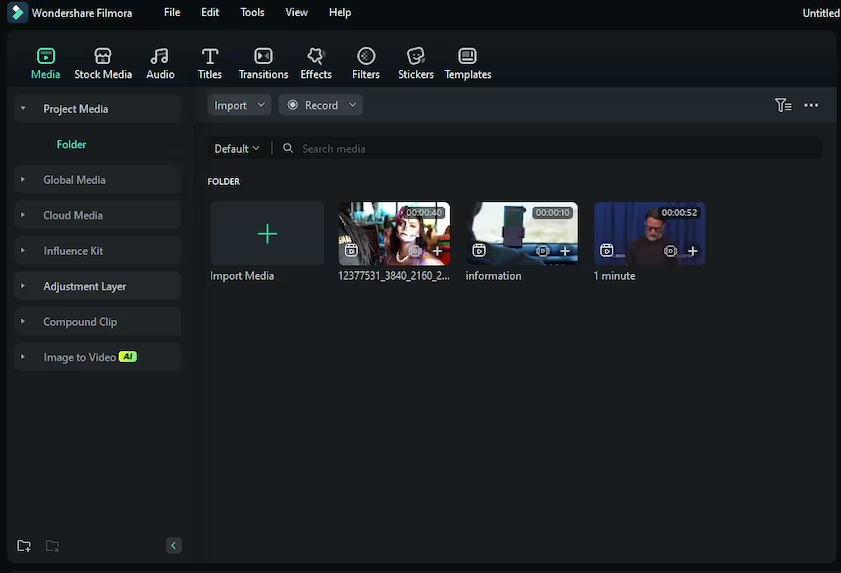
Best for: lifestyle vlogs on a steady posting schedule, such as a YouTube channel that publishes often.
Why we picked it: Wondershare Filmora is positioned as a desktop tool for serious content production, and it pairs templates and Instant Mode for different occasions and formats with a multitrack timeline. A vlogger who outgrows a simple editor gets keyframe animation and motion tracking without switching programs.
Key features:
Pros:
Cons:
Price and platforms: basic plan from $49.99/year, with Advanced above it for more AI credits. Windows and macOS.
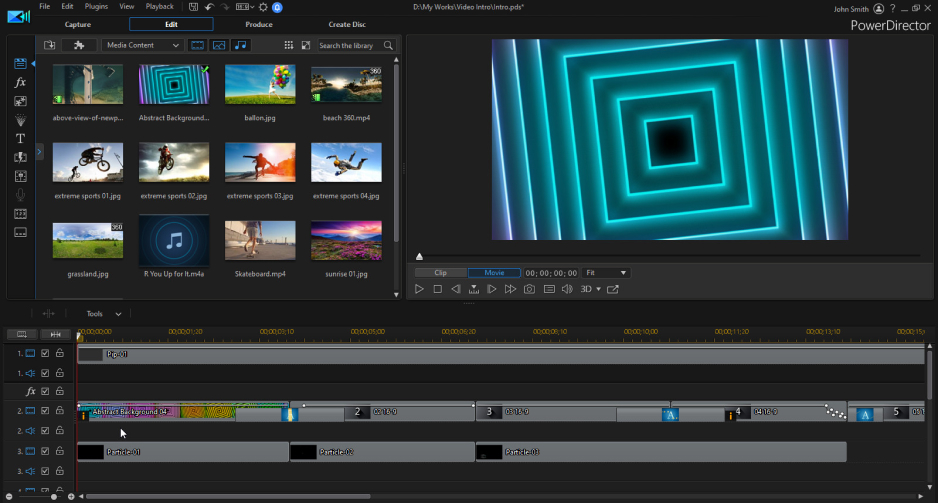
Best for: Prosumers, content creators, and hobbyists who want rapid rendering speeds and accessible, cutting-edge AI production tools without the steep learning curve of studio-grade software.
Why we picked it: It s a standout for rapid, template-driven editing. Its massive library of plug-and-play “Express Projects,” video collage presets, and animated social intros lets you build polished videos in minutes, all backed by class-leading render speeds and smart AI tools.
Key features:
Pros:
Cons:
Price and platforms: Windows (11/10, 64-bit), macOS (10.15+). PowerDirector 365 subscription is $19.99/month; free “Essential” version available with watermarked exports and limited export resolutions.
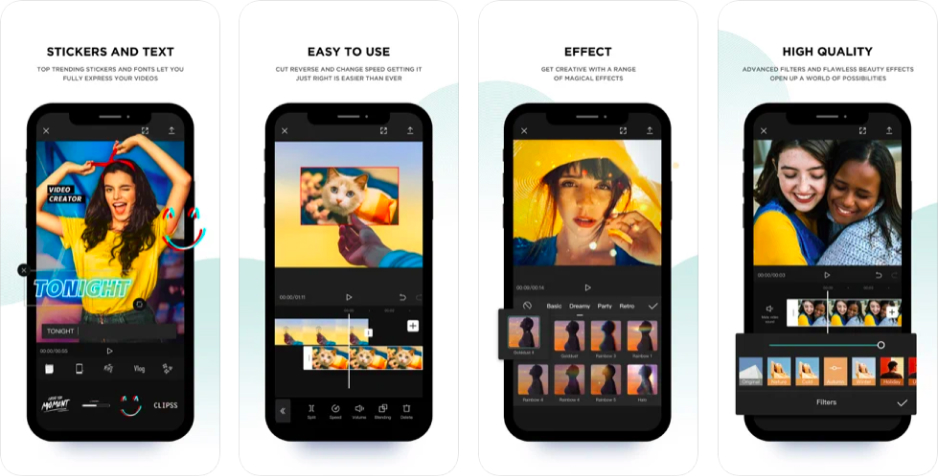
Best for: short vertical clips cut from lifestyle vlogs.
Why we picked it: CapCut is a mobile-first editor for short, trending videos, so its desktop tools will feel familiar to anyone who already edits on a phone. Its template library is built around trending vertical formats.
Key features:
Pros:
Cons:
Price and platforms: Pro costs $16/month per member billed annually, or $24 billed monthly, with a Business plan above it. Works in a browser.
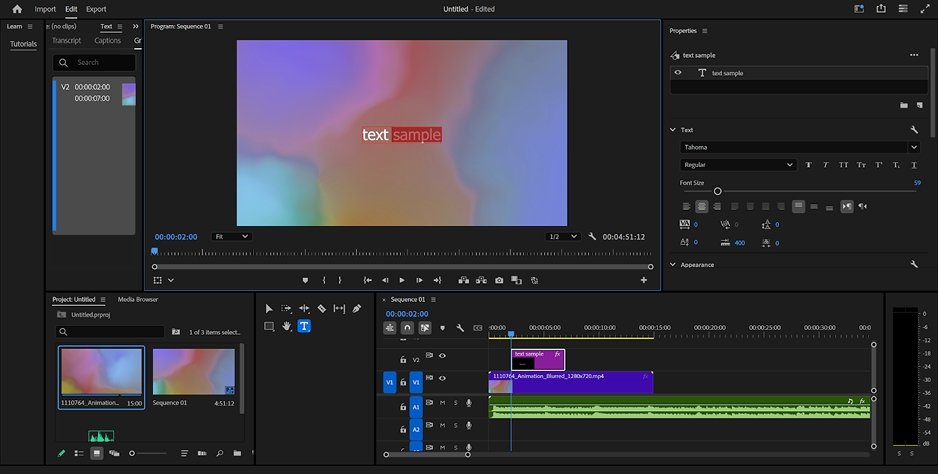
Best for: creators who edit video for a living and build custom title graphics.
Why we picked it: Premiere Pro is the standard for people who edit video professionally. Text goes through Essential Graphics and needs manual setup, which suits creators who want to place every title themselves.
Key features:
Pros:
Cons:
Price and platforms: $22.99/month on the annual plan billed monthly, or as part of Creative Cloud® Pro, with a 7-day trial. Windows and macOS.
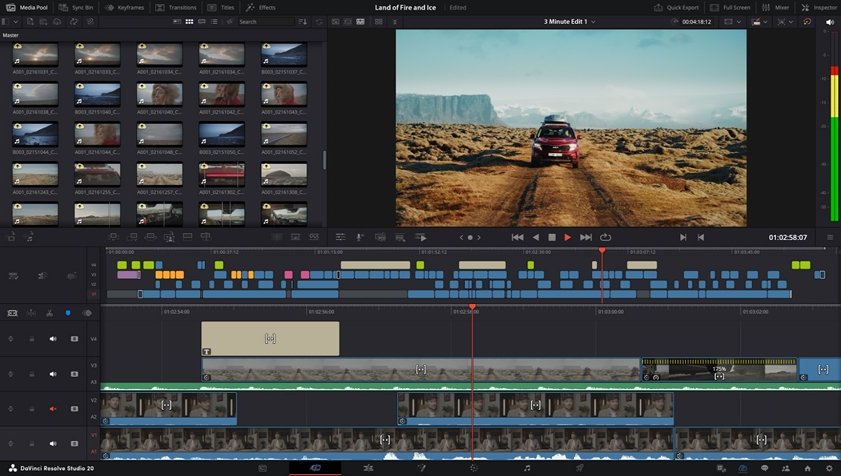
Best for: travel vlogs that need film-grade color correction.
Why we picked it: DaVinci Resolve is a professional tool for editing, color, audio, and VFX, with separate modules for each: Edit, Color, Fairlight, and Fusion. The base version is free and carries no watermark.
Key features:
Pros:
Cons:
Price and platforms: free base version; DaVinci Resolve Studio is a $295 one-time purchase. Windows, macOS, and Linux.
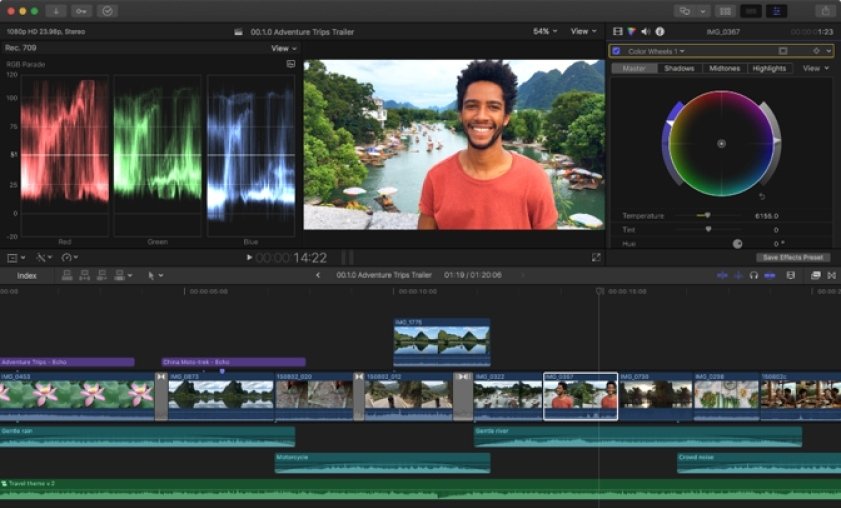
Best for: iPhone or pro-camera footage for YouTube, edited on a Mac.
Why we picked it: Final Cut Pro is built for professional editors on Mac, with a magnetic timeline and multicam editing for projects that outgrow a beginner tool.
Key features:
Pros:
Cons:
Price and platforms: macOS. The trial runs 90 days. The perpetual one-time purchase is confirmed at $299.99 on the Mac App Store (with an optional Apple Creator Studio subscription tier also available at $12.99/month or $129.99/year).
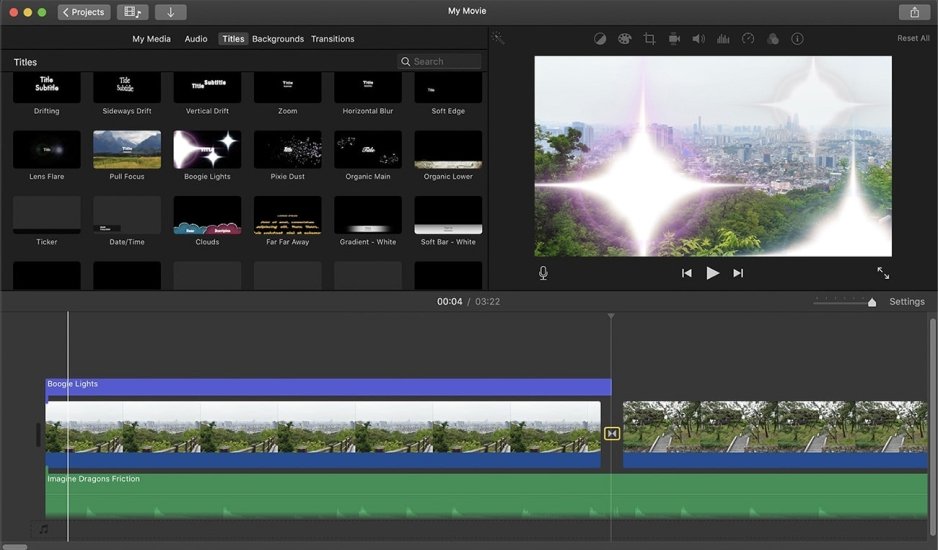
Best for: a simple family birthday video.
Why we picked it: iMovie is Apple’s free, simple editor, preinstalled on its devices, and it includes ready-made trailer templates. It suits first attempts at editing.
Key features:
Pros:
Cons:
Price and platforms: free. Mac, iPhone, and iPad.
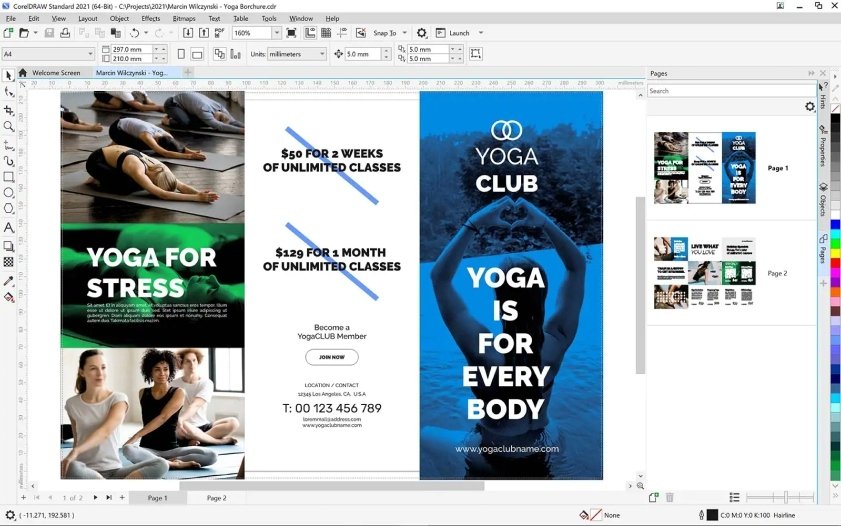
Best for: Beginners, hobbyists, and casual creators who want an affordable, non-subscription Windows video editor for family videos, slideshows, and social clips.
Why we picked it: Corel VideoStudio pairs a beginner-friendly timeline with an extensive library of drag-and-drop project templates. It allows you to produce polished split-screen collages, automated slideshows, and themed videos in minutes without locking your work behind an ongoing subscription.
Key features:
Pros:
Cons:
Price and platforms: Windows 10/11 (64-bit only). A 30-day free trial is available. The perpetual license costs $79.99 for VideoStudio Pro and $99.99 for VideoStudio Ultimate (frequently discounted).
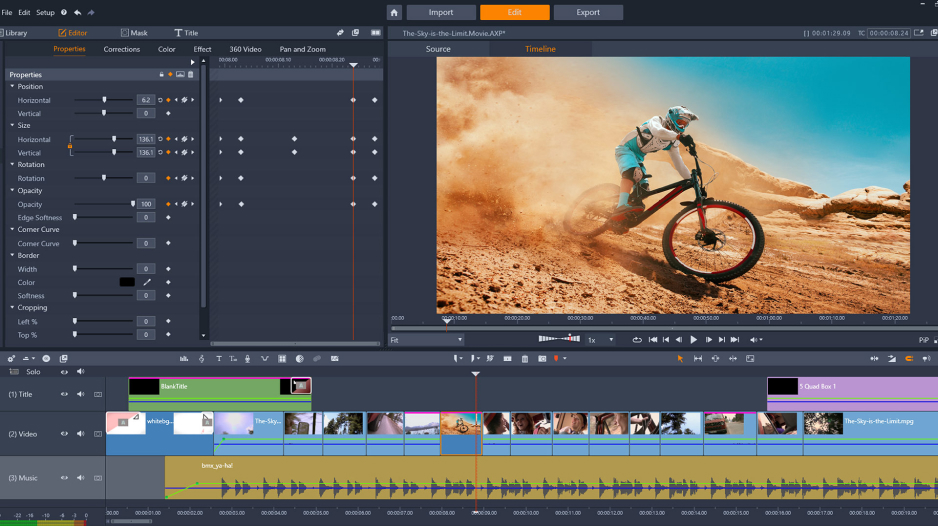
Best for: Intermediate to advanced Windows editors who want frame-accurate keyframing, video masking, and granular multitrack control without an ongoing subscription.
Why we picked it: Pinnacle Studio bridges consumer simplicity and professional non-linear editing. It delivers near-professional creative freedom via an unlimited-track timeline and deep keyframe controls across effects and motion, alongside a large suite of customizable split-screen and montage templates.
Key features:
Pros:
Cons:
Price and platforms: Windows 10 and 11 (64-bit only). A 15-day free trial is available. The perpetual license is $59.99 for Standard and $129.99 for Ultimate (frequently discounted directly by Corel/Alludo to around $79.99).
A channel intro. Intro templates give a channel a recognizable opening. Movavi Video Editor offers the Intro video template. Filmora has templates and Instant Mode. CapCut Desktop leans toward trending vertical formats.
A photo slideshow. Slideshow templates suit a set of photos from a trip or a family event. The Slideshow video template in Movavi Video Editor takes your photos into its Blocks for its length and music).
A birthday video. Birthday video templates start the project with its structure in place: the Birthday video template in Movavi Video Editor. On an Apple device, iMovie’s trailer templates are the free alternative.
A wedding slideshow. Wedding slideshow templates are for the photos and clips of one day. The Wedding slideshow template in Movavi Video Editor for its style and default text) takes photos and clips from the day.
Professional motion graphics. Adobe Premiere Pro takes Motion Graphics templates for titles and lower thirds, and DaVinci Resolve lets you build your own effects in Fusion. Neither ships with ready-made video templates, so they pay off when you want control over every element.
A one-time payment. DaVinci Resolve Studio and Final Cut Pro are one-time purchases with no subscription.
Movavi Video Editor starts with a free edition, and Movavi Effects and Movavi Templates subscriptions can be added when a project calls for them, so the cost follows your project.
Several templates come with the full version of Movavi Video Editor at no extra charge, and the whole collection needs a Movavi Templates subscription. Among the others, iMovie is completely free and includes trailer templates, while Filmora’s free version always exports with a watermark. Swarmify’s guide adds a useful reminder: a free label can cover the template but not every stock clip, font, or track inside it.
Check the license for each asset. Swarmify’s guide says commercial permission is not the same as permission to resell a template, and it recommends confirming that the license covers client work and paid ads, then saving the license text and download date with the project.
Yes. In Movavi Video Editor you can replace the placeholder media, retype and restyle the text, keep or replace the pre-set music, and keep, swap, remove, or add transitions and effects. CapCut’s templates, by comparison, offer little customization.
A web-based editor needs a browser and an internet connection, according to Wikipedia. The desktop programs in this list work on files on your computer, though CapCut notes that some of its features and content require an internet connection and an account.
According to Wikipedia’s page on non-linear editing, a video editor records your edits and leaves the original files untouched. A video maker with templates adds a ready-made project on top, so you fill it instead of starting from a blank timeline.
Movavi Video Editor Free lets you test every tool in the app, but paid features block export. Exports have a 60-second cap and a watermark. 4K export is not available. Movavi Video Editor Lite covers core editing, auto subtitles, auto crop, silence removal, and all built-in effects, with a small watermark and limits on AI noise removal, AI background removal, chroma key, stabilization, animation, and audio effects. The full version removes the watermark and the export limits, and you can upgrade at any time.