
Privacy Policy popup
× Privacy Policy popup
×
 2
 19 Minutes
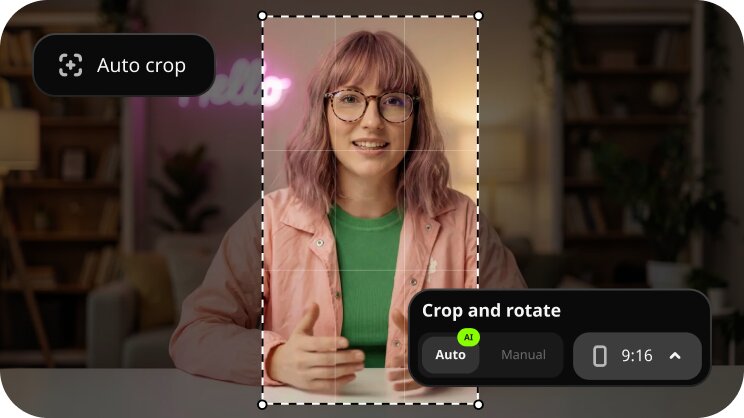
The best video rotator depends on the job. Bloggers fixing clip orientation before editing are best served by Movavi Video Editor, people who want to rotate videos in batch – by Bandicut or HandBrake, and Shorts creators who rotate and crop to vertical – by Adobe® Premiere® Pro or Movavi Video Editor; for a single sideways clip, QuickTime Player or VLC is enough.
If you film travel and daily-routine vlogs, keep a folder of clips that all lie on their side, or cut vertical videos for Shorts, these ten desktop programs are for you. Some are already on your computer, and some are full editors.
Online rotators suit a short clip, but they can upload your video to a third party, and large files are slow to round-trip. Every program here runs as a desktop video rotator for PC and Mac, so built-in tools and full editors sit side by side, and the next step (cropping, trimming, editing) stays on your computer.
We compared each one on six criteria:
Program | OS | Free version | Batch rotation | Rotation without re-encoding | Price |
1. Movavi Video Editor | Windows, macOS | Yes, the free version adds a watermark and caps videos at 60 seconds | No (available only alongside merging) | No | Full version – $19.99/month |
2. VLC media player | Windows, macOS, Linux | Yes, free and open source | No | No, saving needs a transcode | Free |
3. Clipchamp | Windows 11 app, Edge and Chrome browsers, iOS app | Yes | Yes | No | Premium inside Microsoft 365 Personal at $99.99/year |
4. QuickTime Player | macOS | Yes, built into macOS | No | No | Free |
5. iMovie | Mac, iPhone | Yes | No | No | Free |
6. Bandicut | Windows, macOS | Yes, adds a watermark at the end of exports | Yes | No, High-speed mode is unavailable when rotating | $25.16/year |
7. Avidemux | Windows, macOS, Linux, BSD | Yes, free and open source | Yes, with scripting | No, needs an encoder instead of Copy mode | Free |
8. Shotcut | Windows, macOS, Linux | Yes, free and open source | No | No | Free |
9. HandBrake | Windows, macOS, Linux | Yes, free and open source | Yes, Queue and folder source | No, it is a transcoder, so every file is re-encoded | Free |
10. Adobe® Premiere® Pro | Windows, macOS | No | Yes | No | $22.99/month on an annual plan |
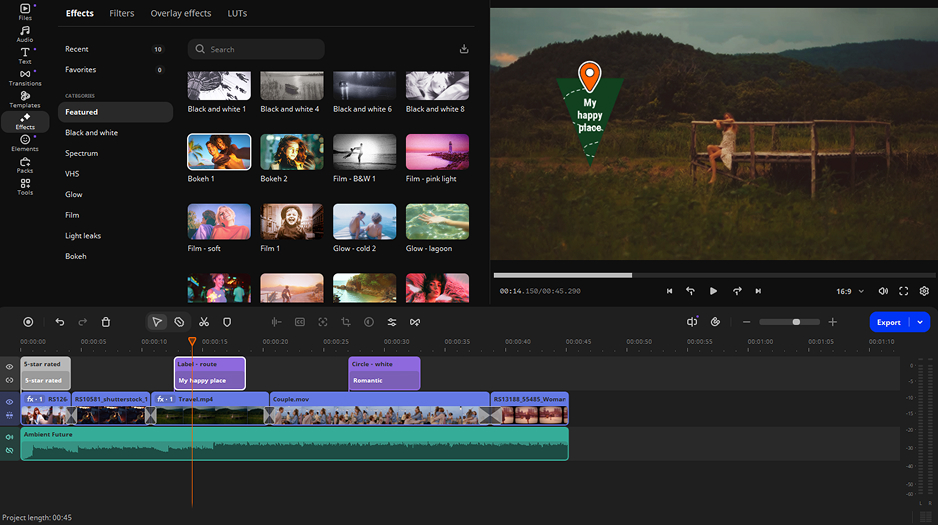
Best for: Lifestyle vloggers who need to rotate and crop video from a sideways clip before editing, including vertical cuts for Shorts and Reels.
A travel clip filmed on its side needs an upright frame first and a frame that fits where you post it second. Movavi Video Editor is an intuitive video editor with customizable video templates, one-click AI tools, and hundreds of drag-and-drop effects. Hover previews show clips, effects, and exact frames before you apply anything, and auto-tracked cropping recuts the same footage for vertical, so the subject stays centered when you switch to the vertical format. The free Movavi Ideas hub adds a new step-by-step tutorial every week for what to do with the footage next.
Key features:
Pros:
Cons:
Price and platforms: a desktop app for Windows and macOS. The free version adds a watermark and caps videos at a 60-second length. Movavi Video Editor Lite adds a small watermark; the subscription is $11.95/month. The full version costs $19.95/month.
Best for: Family content creators who need one sideways road-trip clip turned upright for free.
VLC is the free video rotator many people already have installed. Its official site calls it free and open source with no ads and no user tracking, and the desktop version has filters that can rotate and mirror video during playback. Anyone who wants to rotate a video in VLC gets the playback fix in a few clicks; saving the result takes a few more.
Key features:
Pros:
Cons:
Price and platforms: Free. Supported on Windows, macOS, Linux; also Android and iOS.
Best for: Office workers who need to rotate a screen recording or an internal how-to video on Windows 11.
Clipchamp is Microsoft’s browser-based editor, built into Windows 11 and Microsoft 365, so it is the quickest way to rotate video on Windows without installing anything. It replaced Windows Movie Maker in Windows 11. As an online video editor, it also records your screen and webcam.
Key features:
Pros:
Cons:
Price and platforms: Premium adds 4K, premium stock, and a brand kit, as a separate subscription or inside Microsoft 365 Personal ($99.99/year) and Family ($129.99/year). Available as a Windows 11 app, online tool in Edge and Chrome browsers, iOS app.
Best for: Vloggers who edit on Mac and need one daily-routine clip turned upright fast.
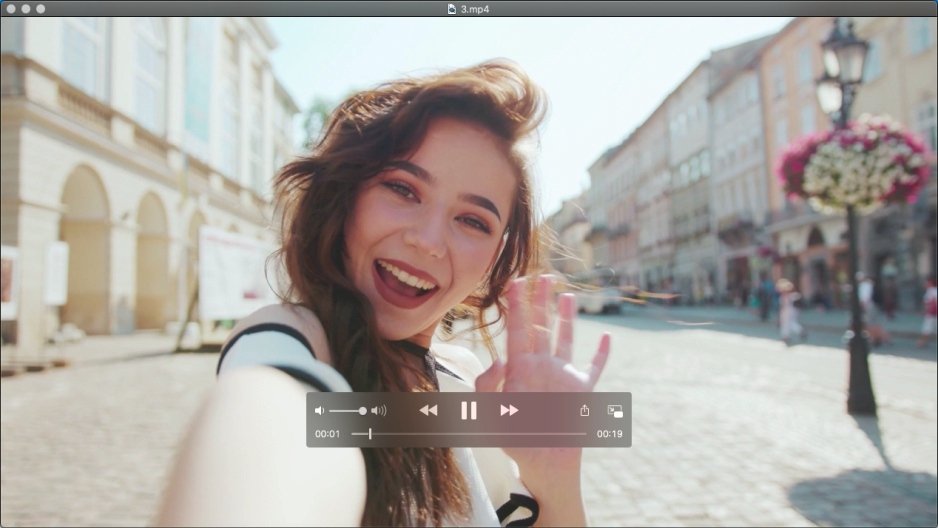
To rotate video on Mac without opening a full editor, QuickTime Player is the shortest route. QuickTime Player is the media app built into macOS. It’s a convenient tool to play, record, and edit movies and audio recordings, with common edits such as trimming, rearranging, and rotating.
Key features:
Pros:
Cons:
Price and platforms: Free. Built-in on macOS.
Best for: Family content creators who edit birthday or weekend clips on a Mac or iPhone.
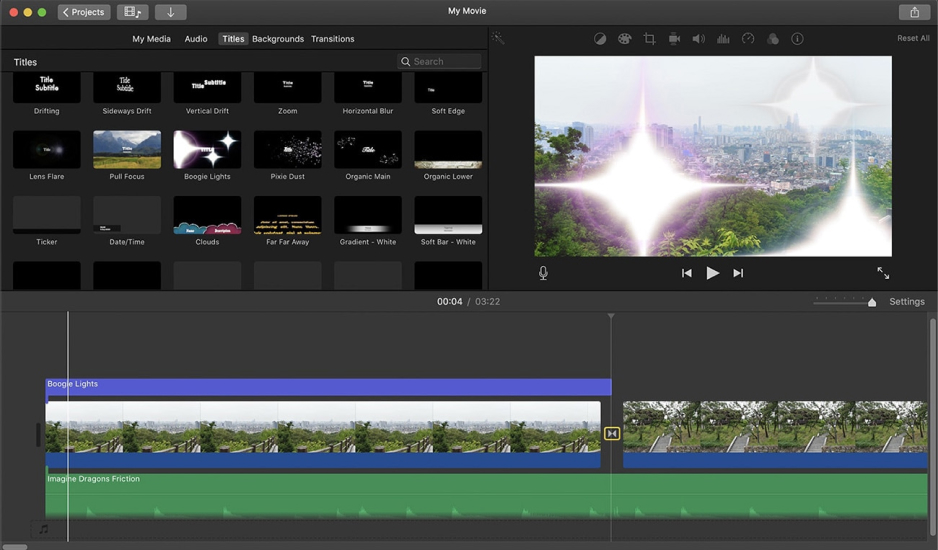
iMovie is Apple’s simple editor, preinstalled on Apple devices, and it targets Mac and iPhone users making simple family videos or taking a first shot at editing. Its ready-made trailer templates suit a first attempt at a birthday montage.
Key features:
Pros:
Cons:
Price and platforms: Free. Pre-installed on Macs and iPhones.
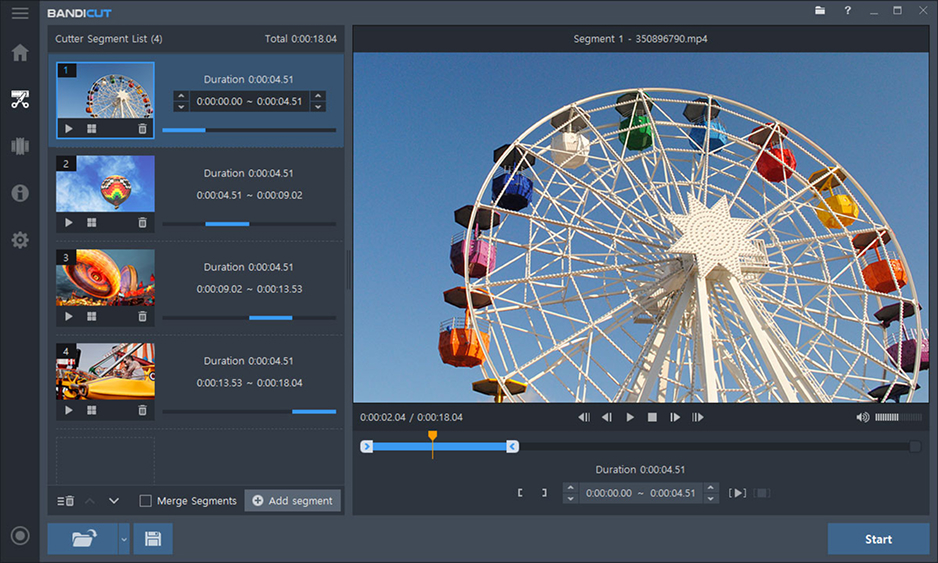
Best for: Bloggers with a folder of clips that all need the same turn.
Bandicut 2025 added rotation and flip to its cutting and joining tool, so you can rotate by 90, 180, or 270 degrees and flip left or right. Choose Apply to all videos before rotating and one setting reaches every clip you added.
Key features:
Pros:
Cons:
Price and platforms: $25.16/year. Supported on Windows and Mac.
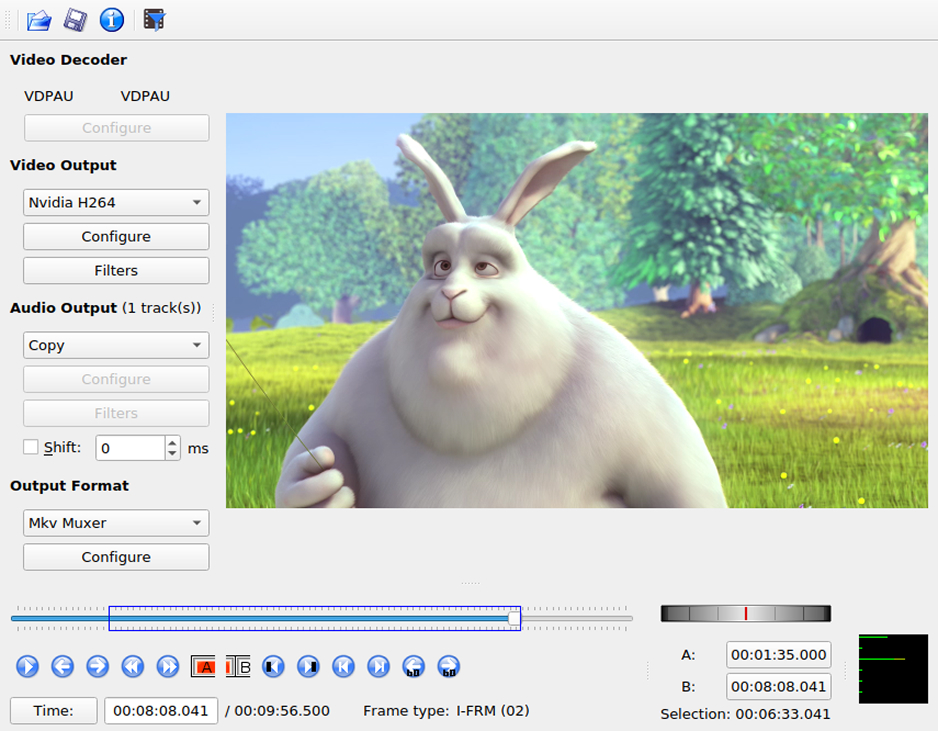
Best for: Family content creators who want to fix a weekend-getaway clip for free on Windows, Mac, or Linux.
Avidemux is a free video editor for simple cutting, filtering, and encoding, and its Rotate filter does the turning. It runs on Linux, BSD, Mac OS X, and Windows under the GNU GPL license, per its official site.
Key features:
Pros:
Cons:
Price and platforms: Free. Supported on Windows, macOS, Linux, BSD.
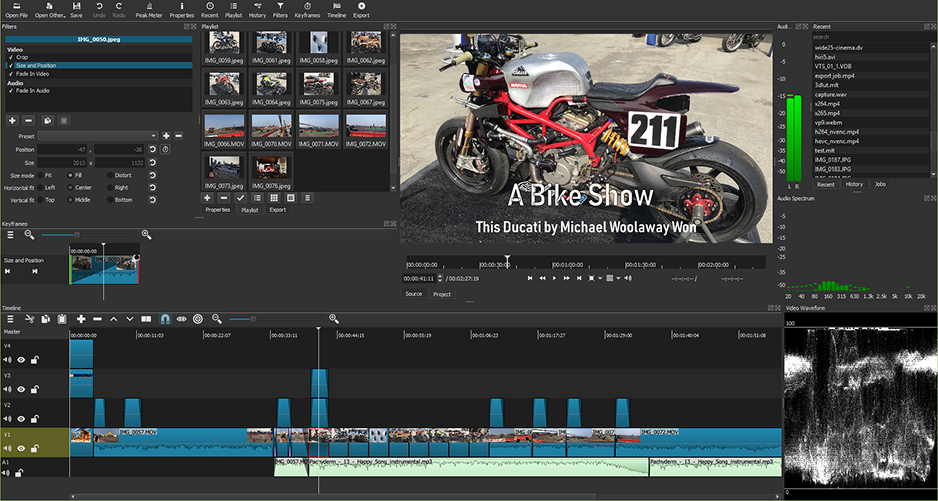
Best for: Budget-minded vloggers who are comfortable adjusting settings by hand.
Shotcut is a free, open-source editor with an old-school interface and no AI, built for tech-savvy users who do routine work manually. It fits a vlogger who wants a multitrack timeline without a subscription.
Key features:
Pros:
Cons:
Price and platforms: Free. Supported on Windows, Mac, and Linux.
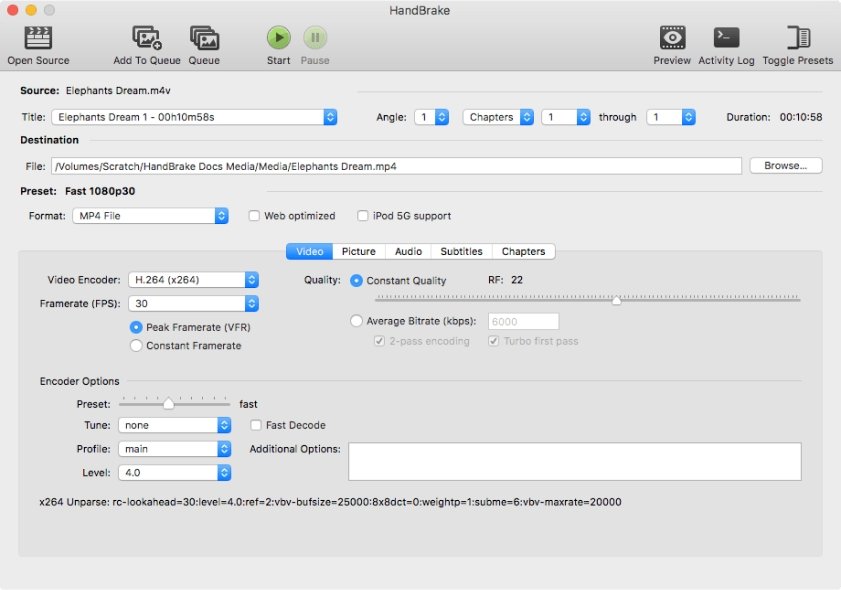
Best for: Users who need to batch-convert and turn a pile of unboxing clips in one run.
HandBrake is an open-source video transcoder that converts video from nearly any format into modern codecs. Its release notes place the Rotate and Flip filter on the Dimensions tab, and its Queue lets you set up several encodes at once.
Key features:
Pros:
Cons:
Price and platforms: Free. Supported on Windows, macOS, and Linux.
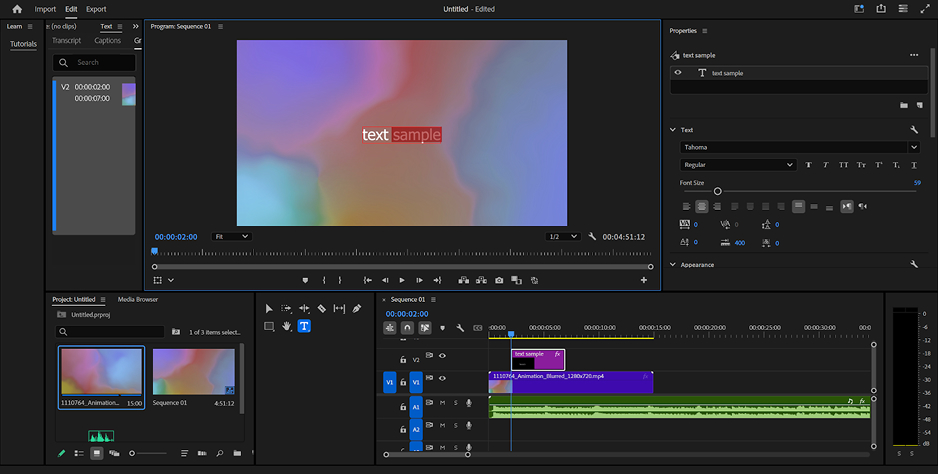
Best for: Lifestyle vloggers who need a full professional video editor alongside a rotation tool.
Premiere® Pro® is the industry standard for professional video editing. It handles crop, rotate, and mirror, and its Auto Reframe keeps the main subject in frame when you change the format.
Key features:
Pros:
Cons:
Price and platforms: Standalone annual subscription for $22.99/month or as part of Creative Cloud Pro. Supported on Windows and macOS.
Already on your computer. QuickTime Player on a Mac, Clipchamp on Windows 11, and iMovie on Apple devices handle a single clip without an install.
Free and open source. VLC, Avidemux, HandBrake, and Shotcut cost nothing to try. VLC suits a one-off fix, and Avidemux adds cutting and filtering to the same pass.
Batch rotate videos. Bandicut applies one rotation to every clip you add, and HandBrake queues a folder of videos for a single run. Both re-encode, so give a big pile some time.
Rotation plus editing. If sideways footage is headed for a timeline, the difference comes down to how long it takes to get a good result. Movavi Video Editor is for creators who want awesome results fast without spending time figuring out how the software works. Hover previews and drag-and-drop effects keep the interface easy to read, and the AI tools handle the tedious parts. Adobe® Premiere® Pro is for people who are ready to learn professional editing tools. Its tools rely on fine-tuning settings rather than single clicks, and its multicam editing, Lumetri color controls, and After Effects integration suit editors willing to invest that learning time.
Rotating by re-encoding costs a little quality, but you can keep the loss small. Export in the same format and resolution as the original, for example, MP4 in and MP4 out at the same frame size, so the program doesn’t convert or rescale the video on top of rotating it.
How do I rotate many videos at once?
In Bandicut, click [+] to add every clip, open the gear icon, choose Apply to all videos, and rotate; leave Merge unchecked if you want separate files. HandBrake can open a folder of videos as one source and queue several titles for a single encoding run. Both programs re-encode each file, so a long batch takes longer than a single clip.
Black bars appear when a rotated clip’s shape does not match the frame it sits in. Rotate first, then crop to the frame you plan to post in, so the bars fall outside the picture. In Movavi Video Editor, the Crop tool also fixes mismatched aspect ratios, which is the usual cause of bars on a clip filmed sideways. Plus, AI Auto-tracked cropping keeps the main subject in frame when you change the format.
A phone stores video in a fixed orientation plus a rotation flag, and players that read the flag turn the picture for you. If the sensor guessed wrong, or the app ignores the flag, the clip lies on its side.
Rotating turns the frame by an angle. Flipping mirrors it, left to right for a horizontal flip or top to bottom for a vertical one.