
Privacy Policy popup
× Privacy Policy popup
×
 20
 17 Minutes
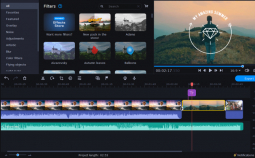
Pick Movavi Video Editor to hide a logo or date stamp on your own computer without uploading the file. Pick Vmake or Filmora when the mark moves and you want an AI video watermark remover to erase it rather than cover it. WatermarkRemover.io, Unwatermark AI, HitPaw and CapCut suit quick one-off cleanups.
Remove a watermark only from your own video or with the owner’s permission. If you run a lifestyle channel, that usually means an old channel logo on earlier vlogs. If you keep family videos, it means the date stamp your camera burned into a clip. A mark on someone else’s work isn’t yours to take off, and this guide isn’t legal advice.
Four methods cover every tool below.
AI fill. Inpainting means filling in missing or damaged parts of a picture so it reads as complete, and digital inpainting can remove logos or watermarks in videos. Video inpainting rebuilds the covered area frame by frame from the pixels around it. The same approach can remove text from video, such as a caption or a date stamp. Unwatermark AI and Filmora both work this way.
Blur or pixelate. A mask sits over the mark. The mark is hidden, not erased.
Crop. You cut away the edge that carries the mark, and the frame gets smaller.
Overlay. You place your own logo on top.
Moving marks are the hard case. An AI tool has to follow the mark through the shot, and a mask has to be tracked to it.
We compared what each tool documents on five points: the method it uses, whether it handles a moving watermark, whether it runs online or on your computer (which decides where your file goes), what the free version includes, and what it costs. Batch processing is noted where a tool offers it. Prices and free limits change often, so check each vendor’s page before you buy.
| Tool | Best for | Method | Remove moving watermark | Free version and price |
| Movavi Video Editor | Hiding an old logo or date stamp in your own edit | Blur, pixelate, crop, cover with your own logo | Yes, tracked mask (Quick, Precise, AI) | 60-second export limit. $19.95/month |
| HitPaw Watermark Remover | One-off cleanups on desktop or in a browser | AI removal | Yes, static and floating marks | Free trial; export limits. $12.99/month |
| Vmake | Moving marks and batches of clips | AI removal | Yes, smart tracking | First 5 seconds exported free; more via credits. $9.99/month |
| WatermarkRemover.io | Short clips in a browser or on a phone | AI removal | Yes, detects moving and static marks automatically; the trickiest motion may be missed | Video up to 2 minutes. $9/month |
| CapCut | Creators already editing in CapCut | AI remove with brush selection | Not with AI remove; a mask with keyframes follows a moving mark by hand | Free AI remove; limits. $9.99/month |
| Unwatermark AI | Marks, text and date stamps, auto or by brush | AI fill, auto-detect or manual brush | Yes, brush selection, so a moving mark takes more manual effort | Free use with a limit; credits beyond it. $3.90/month |
| Wondershare Filmora | Object removal inside a full editor | AI fill with brush selection | Yes, static and moving elements | Free trial; sign-up credits. $4.17/month |
Best for: Lifestyle bloggers who want to hide an old channel logo or a camera date stamp on their own videos, on their own computer.
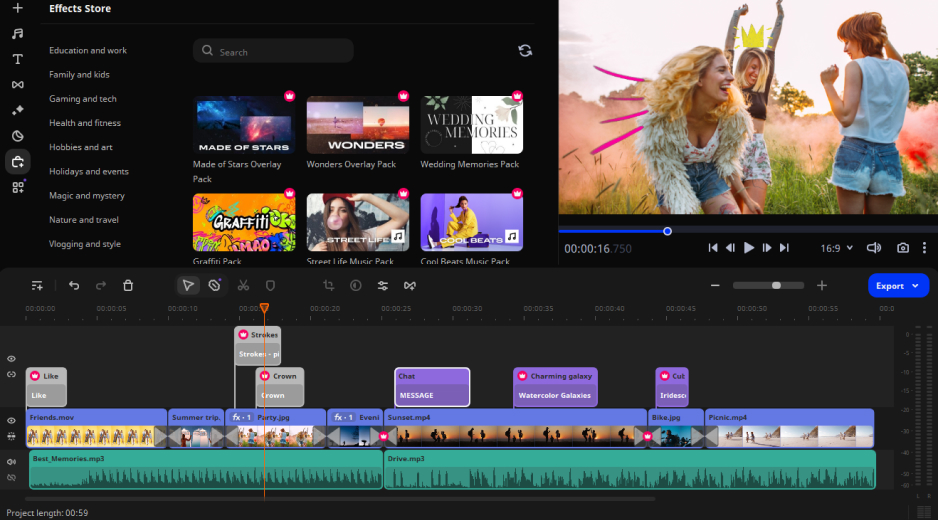
Why we picked it: Movavi Video Editor is an intuitive video editor with customizable video templates, one-click AI tools, and hundreds of drag-and-drop effects. It is a desktop app for Windows and macOS, so the clip stays on your computer while you work. Take a travel vlogger whose old logo still sits in the corner of last summer’s videos: drop a blur or pixel mask over it, let tracking follow it if the shot moves, and scrub the timeline with hover previews to check the frames. Movavi covers the mark instead of rebuilding the pixels under it, so it suits logos, stamps and text you only need to hide. Hover previews and drag-and-drop keep the learning curve short, and Movavi Ideas, a free tutorial hub with new editing tricks every week, adds step-by-step tutorials when you want more.
Key features
Pros
Cons
Price and platforms: Windows and macOS. Start with Movavi Video Editor Free, then move to the full version when you want exports without limits. Full version price – from $19.95/month.
Best for: One-off cleanups when you want a dedicated tool, in a browser or on your desktop.
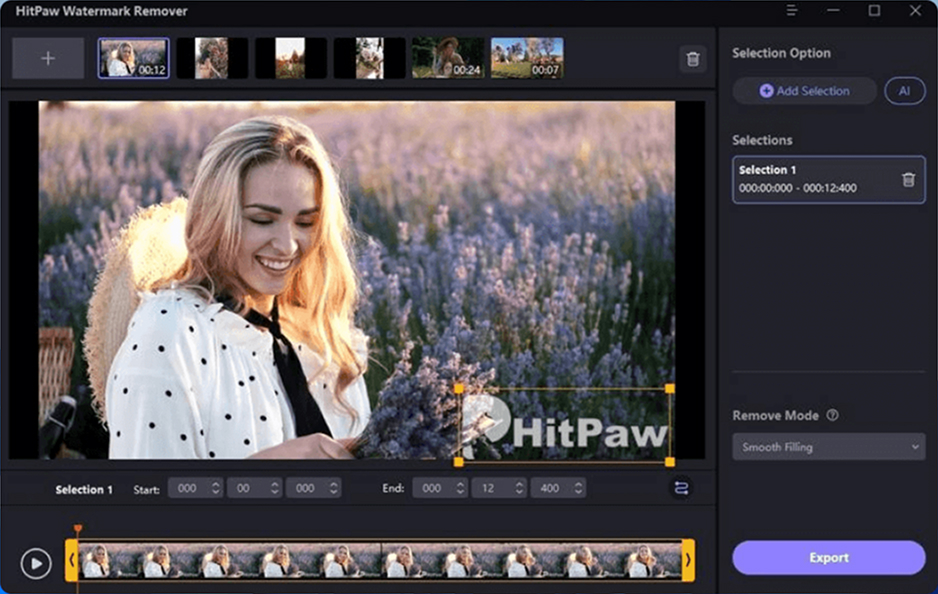
Why we picked it: HitPaw Watermark Remover does one job and comes in two forms, a desktop program and an online version. It offers removal options for static and floating watermarks, plus a preview of the result before you export. It also covers marks added by social platforms such as TikTok and Instagram.
Key features
Pros
Cons
Price and platforms: Windows and macOS desktop versions, plus an online version. Price – from $12.99/month.
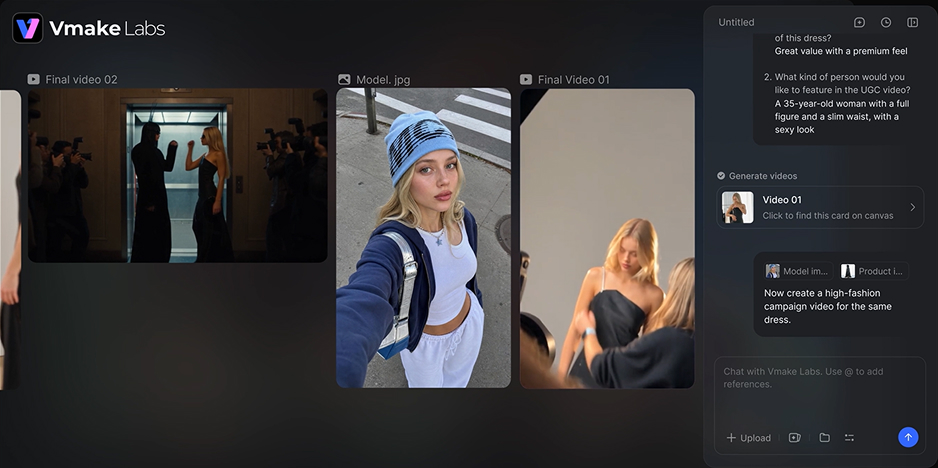
Best for: Moving marks, batches of clips, and subtitles or text you want gone, all in a browser.
Why we picked it: Vmake clears both static and moving watermarks with smart tracking and is built to remove them without blur. You upload the clip, mark the area, and download the result, with nothing to install. It also lists subtitle removal, which helps when you need to remove text from video.
Key features
Pros
Cons
Price and platforms: Online. Credit-based plans from $9.99/month.
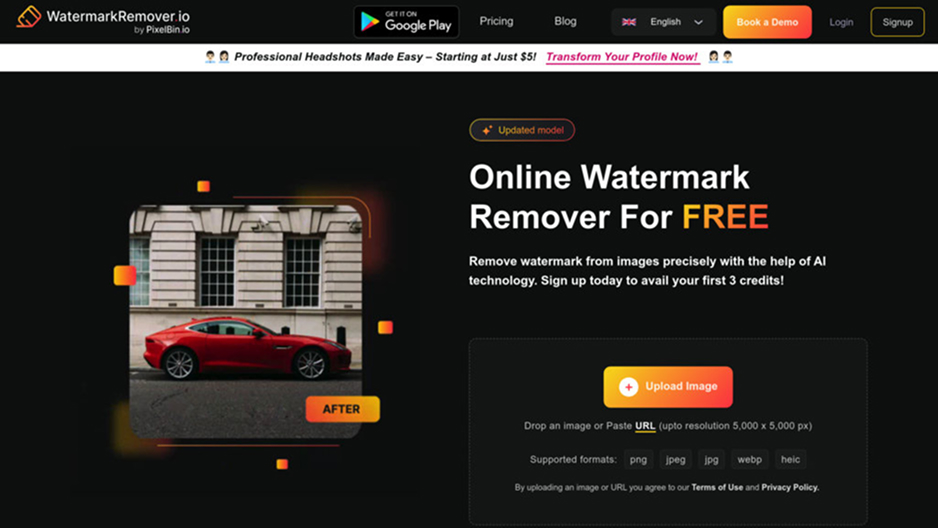
Best for: Short clips you want cleaned in a browser or on a phone.
Why we picked it: WatermarkRemover.io handles images, PDFs and video from one upload box, so a single stop covers a clip and its thumbnail. Its AI detects the watermark on its own, which saves you outlining it, and a live preview shows the result before you download. Watermark-free files shouldn’t be used commercially without the owner’s consent.
Key features
Pros
Cons
Price and platforms: Online, plus Android and iOS apps. Price – from $9/month.
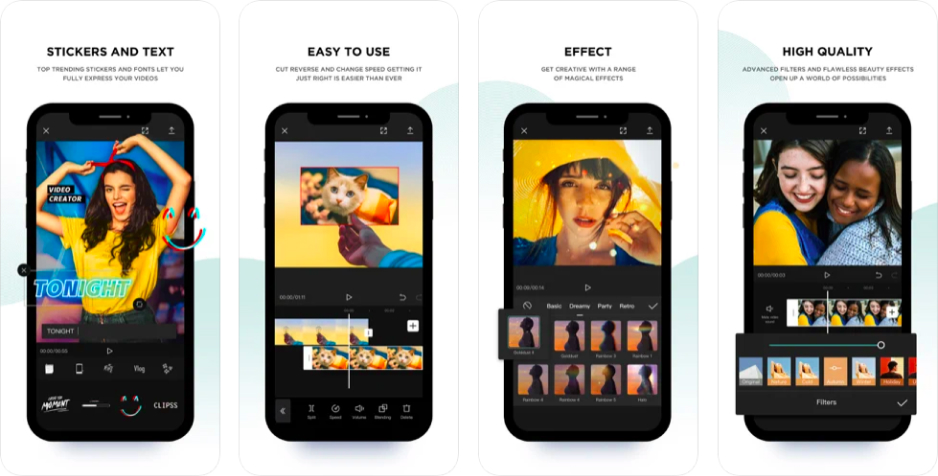
Best for: Creators who already edit in CapCut and want removal inside the same project.
Why we picked it: CapCut’s AI remove sits in the desktop editor under Video, then Basic. You brush over the watermark, fix any slip with the Erase tool, and click Remove. The same tool handles logos and text, so one brush workflow covers several jobs.
Key features
Pros
Cons
Price and platforms: Desktop editor. Plans – from $9.99/month.
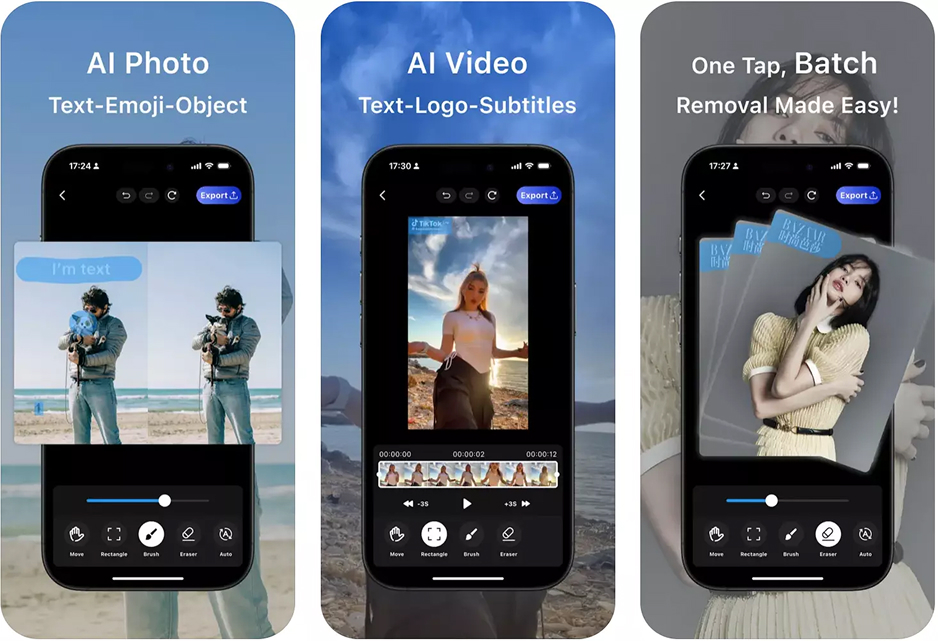
Best for: Marks, text and date stamps you’d rather detect automatically, with a brush for the stubborn ones.
Why we picked it: Unwatermark AI offers two ways in. Auto-detection finds logos, stamps and full-screen marks. A manual brush handles faint or complex ones. Its Magic Eraser also targets a date stamp, text overlays or an object, and its video cleaner analyzes the clip frame by frame. You can try it without signing in.
Key features
Pros
Cons
Price and platforms: Online. Credit packages from $3.90/month.
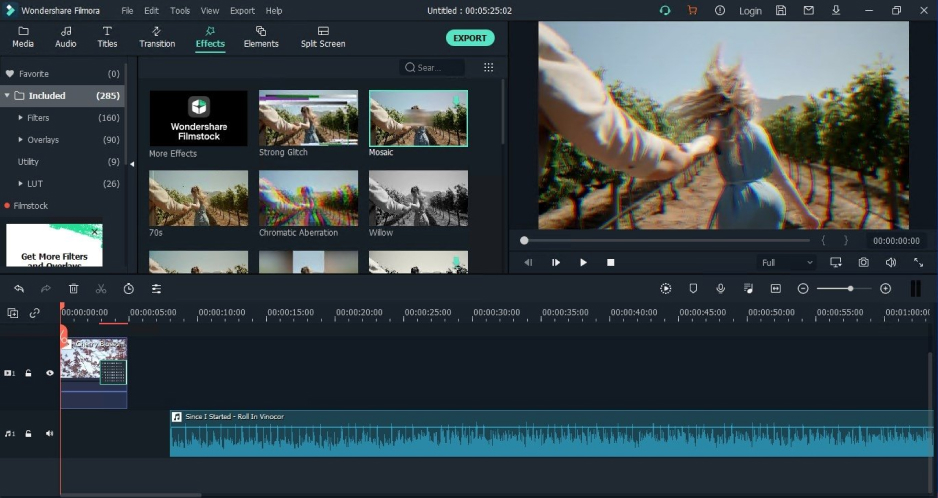
Best for: Editors who want object removal inside a full editor, with desktop and mobile apps.
Why we picked it: Filmora’s AI Object Remover works from a brush: you paint over the unwanted element, and the tool fills the gap from the surrounding pixels. It handles static and moving elements, and you can mark several at once or label single and multiple frames. It runs on Windows, macOS, iOS and Android.
Key features
Pros
Cons
Price and platforms: Windows, macOS, iOS and Android. Price – from $4.17/month.
Only when the video is yours or the owner has agreed. Ask in writing and keep the reply. Platform rules can differ from copyright rules, so check them where you plan to post. This isn’t legal advice.
None of the sources behind this guide promises a trace-free result. AI fill tools such as Unwatermark AI and Filmora rebuild the area from surrounding pixels, so a plain background gives them the easiest job. Movavi leaves a blurred or pixelated patch on purpose. Whichever you use, play the edited area frame by frame before you publish.
Partly. CapCut’s AI object remover is free, Vmake exports the first 5 seconds free, and WatermarkRemover.io takes video up to 2 minutes. Movavi Video Editor Free lets you try the editor, with Movavi’s watermark on exports.
An online tool takes an upload, so read its privacy policy first. WatermarkRemover.io and Unwatermark AI both publish one. For a video you don’t want to upload at all, use a desktop app.
In Movavi Video Editor, drag a mask corner to resize or reshape it, cover the spot with your own logo, or crop the edge. In CapCut or Filmora, use the Erase tool to fix the selection and run the removal again.
In Movavi Video Editor, select the clip, click More tools, choose Highlight and Conceal under Video, and pick a mask. Then split the fragment with the mark on the main track, click Clip properties and open the Motion tracking tab. Place the mask over the mark, choose Quick, Precise or the AI option, and click Track. Click Reset to start the tracking over.